Website visual systems
Hero media + interactive storytelling
Use video or motion selectively to establish context and energy without burying the message.
Photography, video, graphics and motion are most valuable when they strengthen the message, demonstrate the work and help visitors trust what they are seeing.
The goal is not more media. It is better visual evidence, stronger storytelling and a more memorable user experience.
We can shape media as part of the website instead of treating it as a separate folder of assets added at the end.
Use video or motion selectively to establish context and energy without burying the message.

Supporting graphics, diagrams, page imagery and visual treatments fitted to the site's design language.
Show a digital product in context rather than explaining every interaction with paragraphs.
Visual sequences can establish scale, environment and emotion when the opening experience needs more than a static photo.

Prioritize real people, work, locations, products and outcomes whenever visual evidence increases trust.
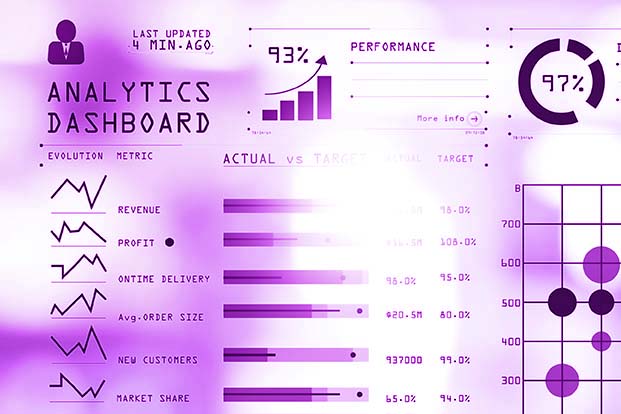
Choose dimensions, formats and loading behavior so visual richness does not become a performance penalty.
We use media to demonstrate, explain, create trust, establish tone or direct attention. If an asset does none of those things, it may be adding weight without adding value.
Projects, people, process and results generally carry more credibility than generic imagery.
Visuals need to survive narrow screens, not just look good on a 27-inch desktop monitor.
Resolution, codecs, formats and loading decisions matter to perceived speed and usability.
Motion should support headlines and CTAs instead of competing with them for attention.
We can develop the site experience and plan the visual assets together so the content fits the layout from the beginning.